

Request to Pay (Deprecated)
The funds are transferred directly to your business bank account, instead of your account balance, which simplifies reconciliation.
AvailabilityThis payment method has been deprecated and is no longer available for new merchants.
| Supports | Details |
|---|---|
| Amount limits | Minimum amount: 1 EUR, maximum amount: 15,000 EUR |
| Countries | Germany "“ More countries will follow as more banks migrate to PSD2 APIs. |
| Currencies | EUR |
| Chargebacks | No |
| Payment pages | Yes (current version only) |
| Refunds | Yes: Full and partial All refunds are processed by Deutsche Bank. |
| Second Chance | Yes |
Payment flow
This diagram shows the flow for a successful transaction. Click to magnify.
Payment statuses
The table below sets out the order status and transaction status for payments and refunds.
| Description | Order status | Transaction status |
|---|---|---|
| The customer has been redirected to Deutsche Bank. | Initialized | Initialized |
| Deutsche Bank has authorized the transaction and is transferring the funds. | Completed | Uncleared |
| MultiSafepay has collected payment. | Completed | Completed |
| Deutsche Bank declined the transaction. | Declined | Declined |
| The customer cancelled the transaction at Deutsche Bank. | Void | Void |
| The customer didn't complete payment within 1 hour. | Expired | Expired |
| Refunds: Refund initiated. | Reserved | Reserved |
| Refunds: Refund complete. | Completed | Completed |
| Refund declined. | Declined | Declined |
Activation
- Sign in to your MultiSafepay dashboard .
- To activate the payment method for:
- All websites, go to Settings > Payment methods.
- A specific website, go to Websites, and then click the relevant website.
- Select the checkbox for the payment method, and then click Save changes.
💬 Support: If the payment method isn't visible in your dashboard, email [email protected]
Integration
API
- See API reference "“ Create order > Banking order.
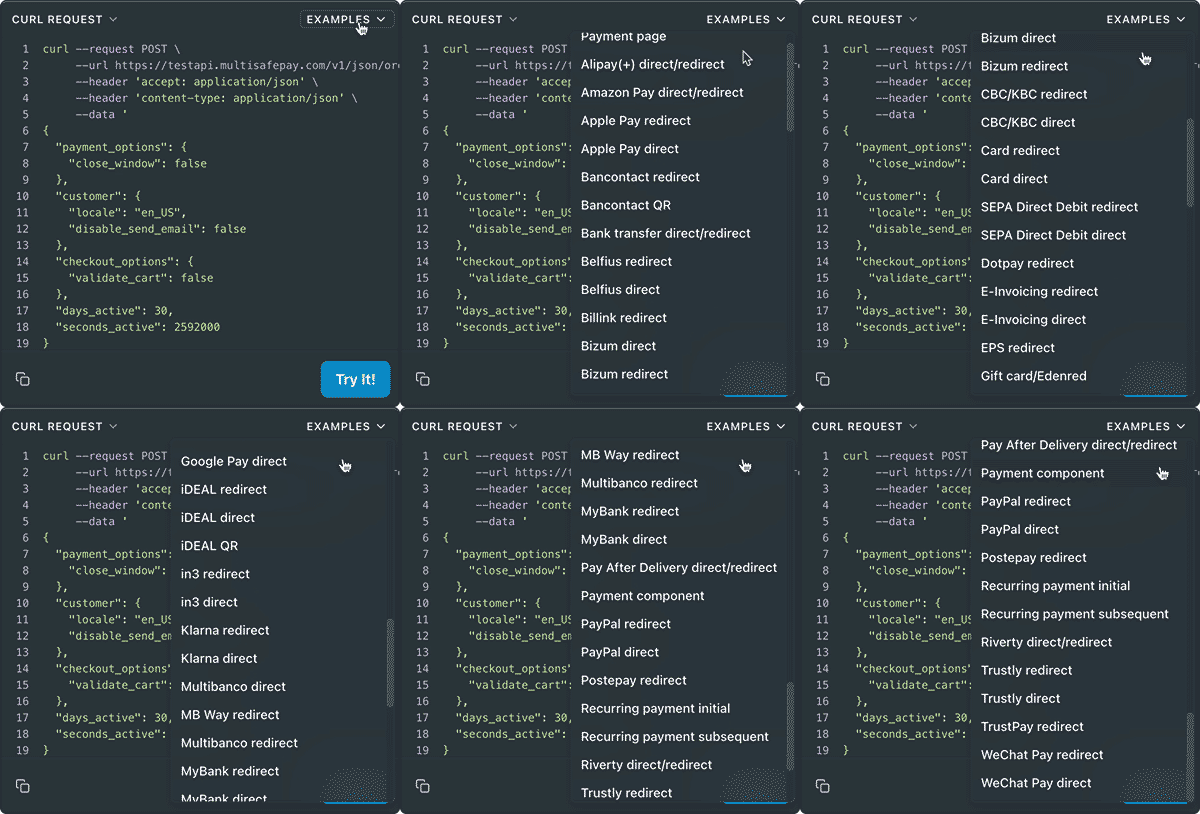
Example requests
- Transactions expire after 1 hour.
Ready-made integrations
Not supported in our ready-made integrations.
Testing
Support
Email [email protected]
Updated 3 months ago
Did this page help you?