

Giropay (End-of-Life)
Note:Giropay is End-of-Life as of December 2024 and is no longer available.
Giropay is End-of-Life as of December 2024 and is no longer available.
| Supports | Details |
|---|---|
| Countries | Germany |
| Currencies | EUR |
| Chargebacks | No |
| Payment pages | Yes (current and deprecated versions) |
| Refunds | Yes: Full and partial |
| Second Chance | Yes |
Payment flow
This diagram shows the flow for a successful transaction. Click to magnify.
Payment statuses
| The table below sets out the order status and transaction status for payments and refunds. | Description | Order status | Transaction status |
|---|---|---|---|
| The customer has been redirected to their bank. | Initialized | Initialized | |
| MultiSafepay has collected payment. | Completed | Completed | |
| The customer cancelled the transaction. | Void | Void | |
| The customer didn't complete payment within 10 minutes. | Expired | Expired | |
| Refunds: Refund initiated. | Initialized | Initialized | |
| Refunds: Refund complete. | Completed | Completed |
Activation
- Sign in to your MultiSafepay dashboard . To activate the payment method for:
- All websites, go to Settings > Payment methods.
- A specific website, go to Websites, and then click the relevant website.
- Select the checkbox for the payment method, and then click Save changes.💬 Support: If the payment method isn't visible in your dashboard, email [email protected]
Integration
API
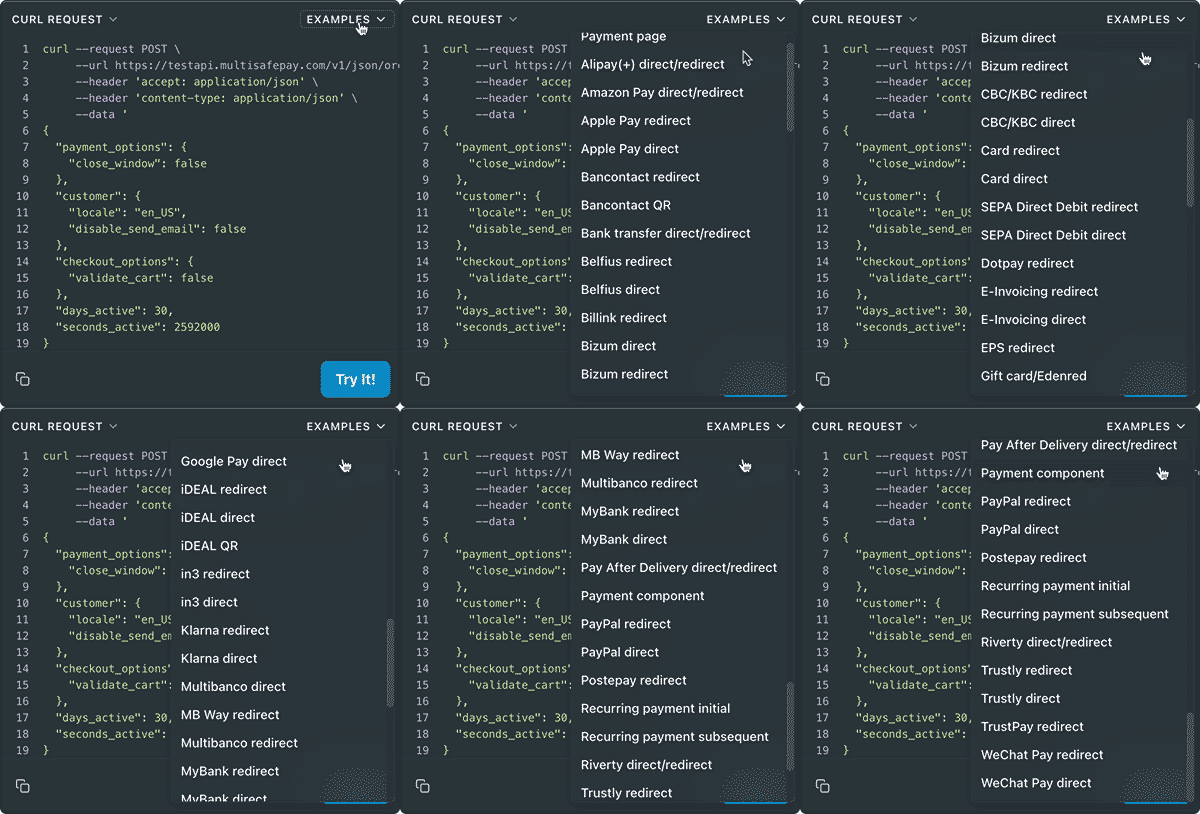
See API reference "“ Create order > Banking order.
Example requests
- Transactions don't expire.
Ready-made integrations
Supported in all ready-made integrations .
Testing
Support
Email [email protected]
Updated 2 months ago
Did this page help you?